Find the phone leads.
Fast Mode collects phone numbers visible on Maps result cards, without opening every listing.
PUBLICLY DISPLAYED CONTACT DATA
Turn Google Maps™ searches into your next business conversation. Find local phone leads, build your list, and get back to selling.
✓ 200 free leads / No account required
For Google Chrome™ on desktop.
Interactive concept preview. Fictional businesses. No live searches.
Start with the businesses you want to reach.
LeadHound helps you build the list.
Your market. Your search. One focused list.
Keep the search focused and the handoff simple.
From a business niche to a useful lead list.
Fast Mode collects phone numbers visible on Maps result cards, without opening every listing.
PUBLICLY DISPLAYED CONTACT DATASearch across U.S. cities or manually enter a country, region, and city abroad.
LOCAL FOCUS. INTERNATIONAL REACH.Duplicate protection, sponsored-result skipping, and local history help keep your prospecting organized.
LESS REPETITION IN YOUR WORKFLOWExport saved results to CSV. Take your list into the spreadsheet or sales process you already use.
YOUR RESULTS, READY TO WORK WITHBuild a focused prospect list for your next SEO, advertising, or digital marketing pitch.
Choose a niche that fits your skills. Start researching the businesses that could use your offer.
Organize prospects by market and business type before you plan your outreach.
Public contact information is a starting point for research, not consent to marketing. Follow the rules that apply to your outreach.
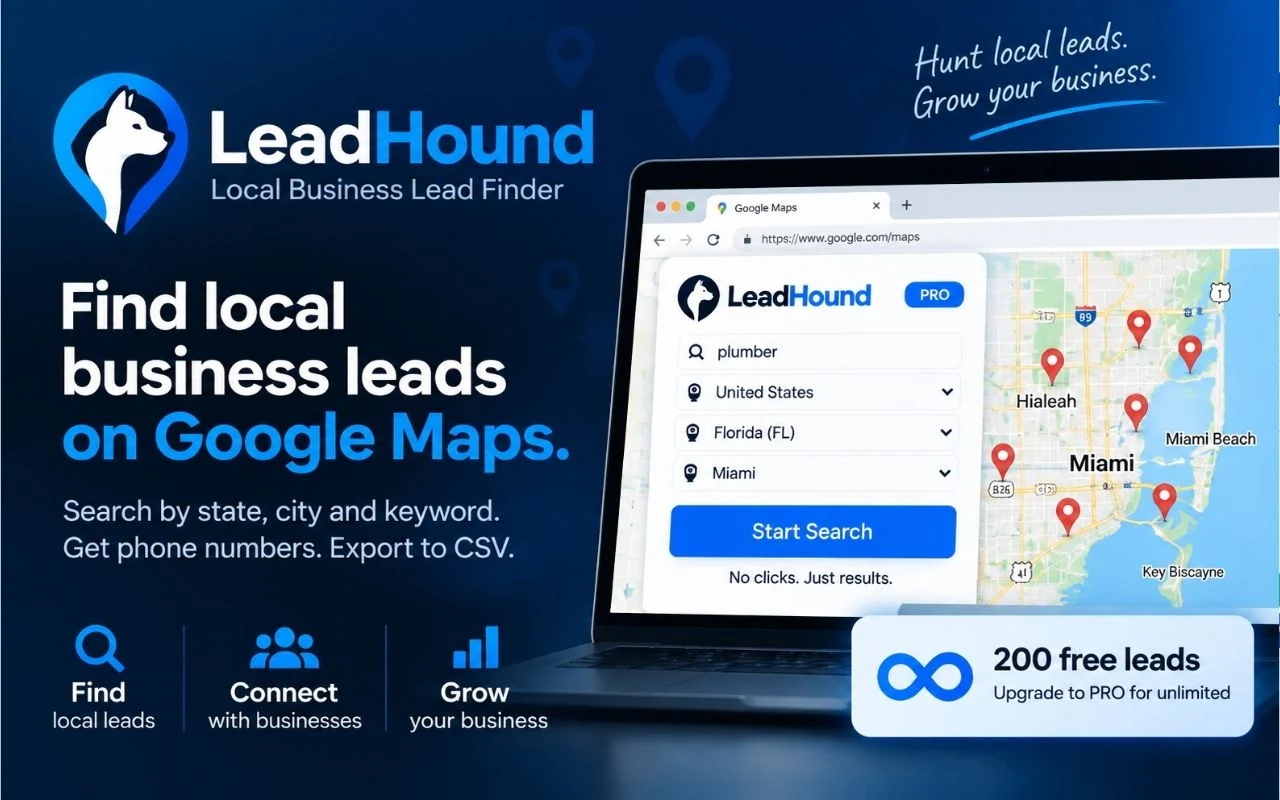
Explore LeadHound’s official listing, product details, permissions, and latest reviews. Then try it on your own market.
 Questions? Visit the help center
Try LeadHound in your market. Upgrade when you’re ready for more.
A practical first look at your next prospecting tool.
One-time allowance per eligible device/profile.
More room for your next niche, city, and campaign.
Install, create an account, and upgrade in the extension.
PRO is billed monthly in USD and renews until canceled. Taxes may apply. The price shown at checkout governs.
Cancel through Manage subscription in the extension. Read subscription terms.
Use the free allowance to decide whether LeadHound fits your market. Upgrade on your terms.
LeadHound organizes publicly displayed local business contact information from Google Maps. Fast Mode focuses on phone numbers visible in search-result cards. Complete Mode offers an alternative workflow for supported additional details. Availability depends on the listing; email discovery is not advertised.
You can start without an account. The allowance covers up to 200 unique leads per eligible device/profile, cumulatively. It is a one-time trial, not a monthly refill. Clearing local results does not reset it.
Yes. Use the preconfigured U.S. locations or manually enter an international country, state/province/region, and city. Results depend on the public information available in your selected location.
Add LeadHound to Chrome, create or sign in to your LeadHound account, then upgrade inside the extension. PRO is listed at US$9.99 per month, with billing processed through Stripe. You are not charged by clicking a button on this page.
Yes. Sign in to your account in the extension and select Manage subscription to open the Stripe Customer Portal. Cancellation stops future renewals; access normally continues through the paid period. Fees already paid are generally non-refundable, except where required by law or stated otherwise. See the full terms.
LeadHound is a Chrome extension for desktop use. You can browse this page on mobile, but open the Chrome Web Store listing in Google Chrome on your computer to install and use the extension.
No. LeadHound helps with prospect research and organization. It cannot guarantee data accuracy, a phone number for every listing, or sales outcomes. Review your results and follow applicable outreach and privacy requirements.
Less copying. More conversations. Start with LeadHound.
Add to Chrome 200 free leads · No account required · Desktop Chrome